


Accsoon SeeMo 4K– Turn Your iPhone or iPad into a Professional Monitor
Product Features
- Turns iPhone/iPad into a professional camera monitor.
- Supports 4K30 and 1080p60 HDMI® input with H.264 encoding.
- SRT/RTMP livestreaming to YouTube, Twitch, and Facebook Live.
- Professional on-device tools: LUTs, Waveform, Zebra, Overlay, False Color.
- Portable design with NP-F battery or USB-C power supply.
- Quick-release mounting compatible with Accsoon PowerCage for iPad or iPhone.
Our Services & Guarantees
Free shipping on all orders. Delivery time varies by region.
All products are covered by a one-year manufacturer warranty.
Return or exchange within 14 days if you are not satisfied.
Our team is here to help with setup, usage, and troubleshooting.
Secure Payment Methods
Accsoon SeeMo 4K
Product Videos
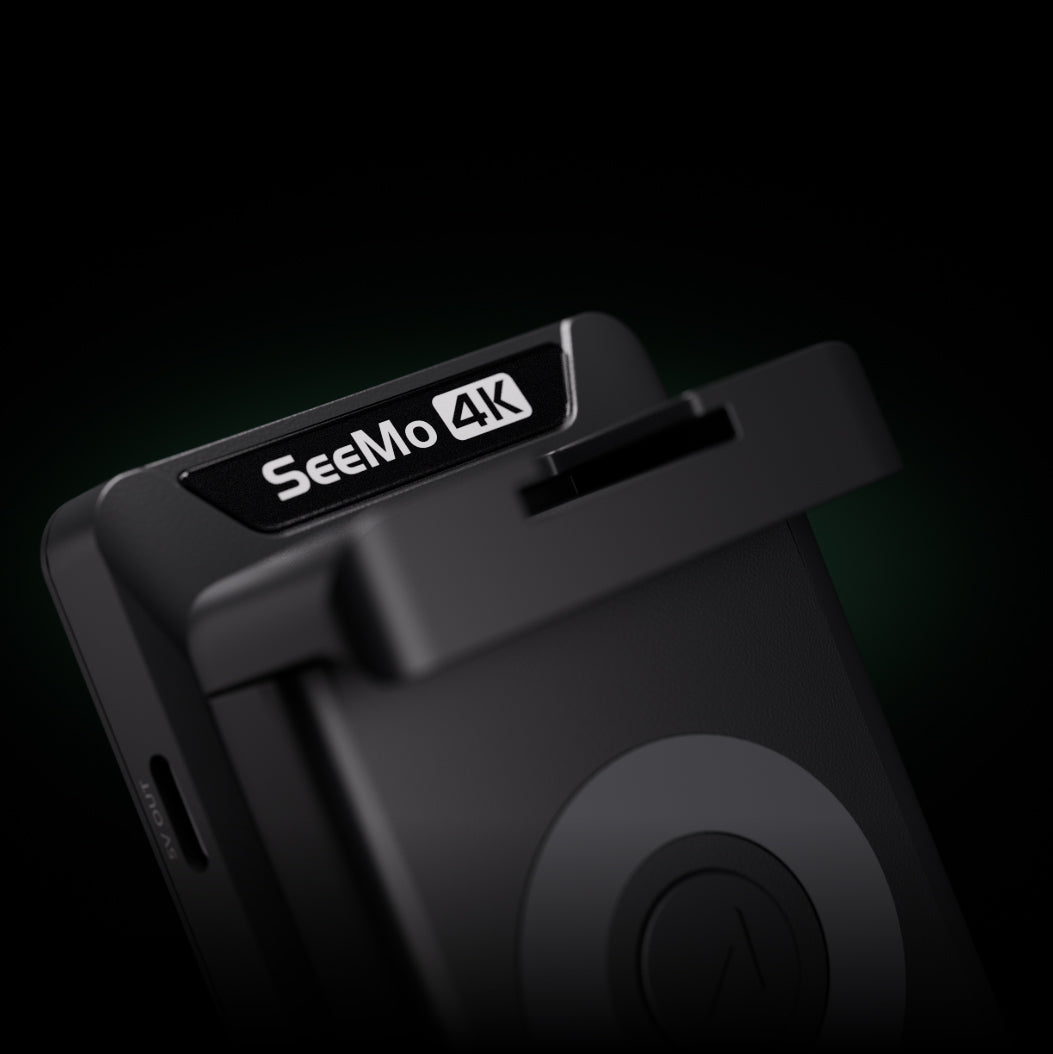
More possibilities.
From camera to screen.
Monitor, record and stream with your iPhone or iPad.
Connect your camera over HDMI and capture up to UHD 4K30 in Accsoon SEE. Check the picture with professional monitoring tools, save H.264 clips to your iOS device, or go live with RTMP / SRT.
- UHD 4K30
- iPhone & iPad monitoring
- Mobile device power
- RTMP / SRT streaming
- Edit & share on iOS
- H.264 recording
- SDK app integrations
- SD card reader






Your camera.
A world of possibilities on iOS.
Turn your iPhone or iPad into a camera monitor with Accsoon SEE. Record to your device, edit in your favourite apps, and share your work with the world.

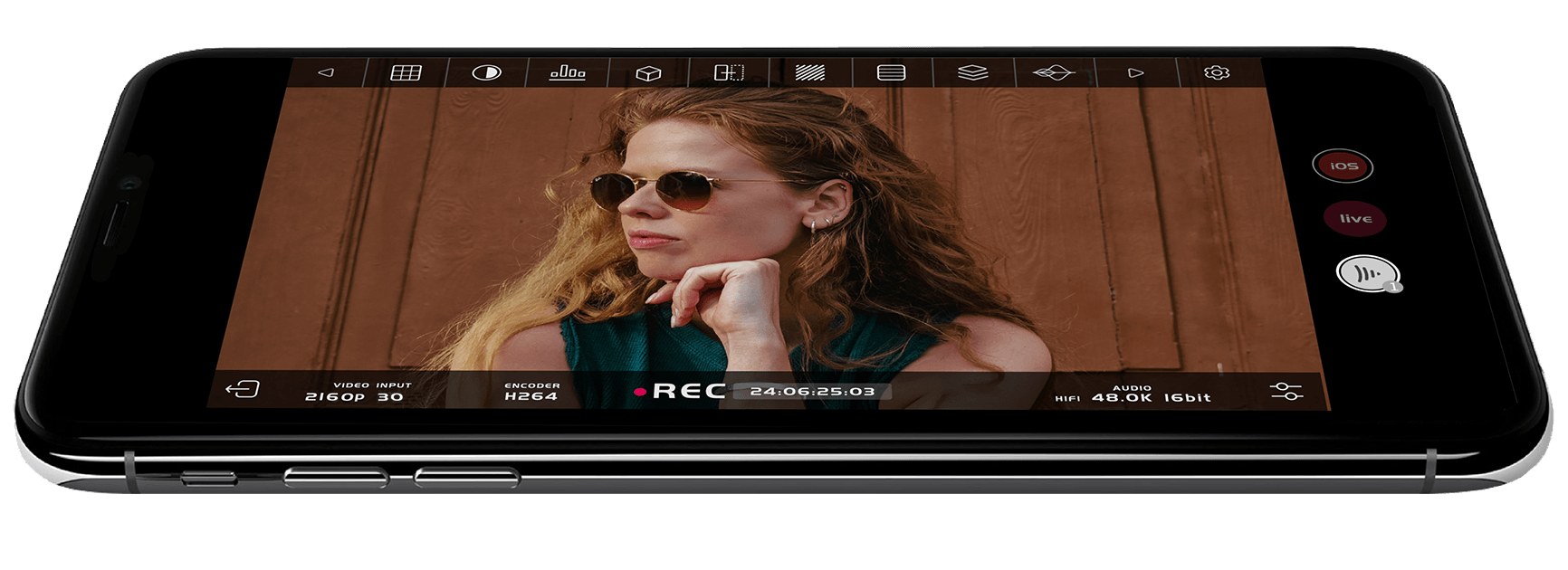
Less setup.
More time to create.
Quick recording
Quick editing
Quick monitoring
Instant H.264 recording & sharing.
Save camera footage directly to your connected iPhone or iPad as H.264 clips. Review, edit and share from the same device.
Power your
iPhone or iPad.
Keep your connected device powered for longer shoots. SeeMo 4K supports power output to compatible USB-C and Lightning devices with the appropriate cable.
USB-CLightning
EasyLiveStreaming.
Bring your camera or computer's HDMI feed into Accsoon SEE. Monitor on your iPhone or iPad, then take your picture live.
Horizontal
& VerticalStream in landscape or portrait.
Apply LUT
in Real-timeShape your look in Accsoon SEE.
RTMP/SRT
StreamingGo live with a streaming URL and key.
 LIVE
From HDMI to live.
Camera or computerHDMI video source
SeeMo 4KCapture your HDMI feed

Accsoon SEEMonitor & stream on iOS
 Twitch
 YouTube
 GameChanger
Your platformRTMP / SRT streaming
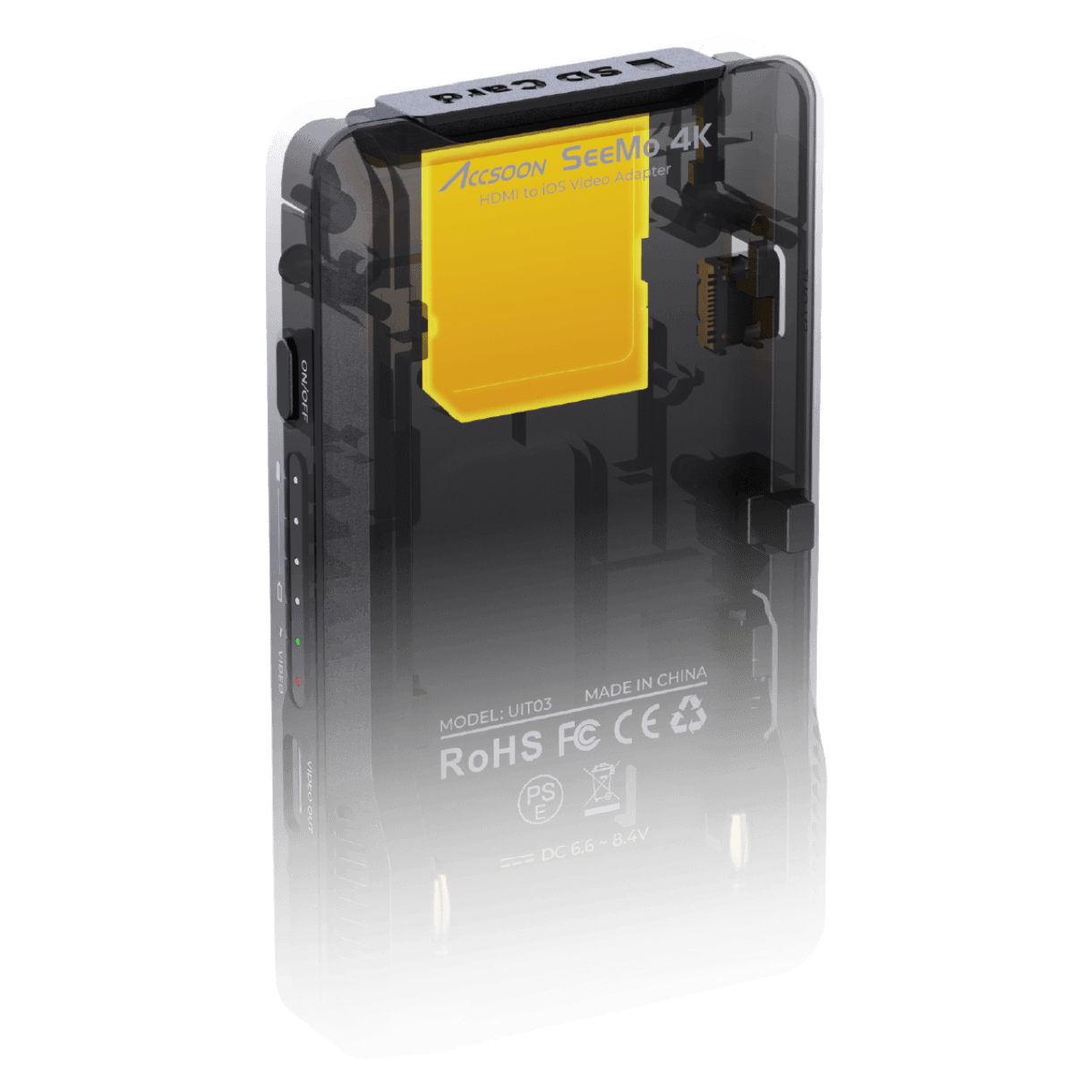
SD card reader.
Access files on an SD card from your connected iPhone or iPad. Transfer your footage and back up your files, ready to review, edit or share.
Compatible models.
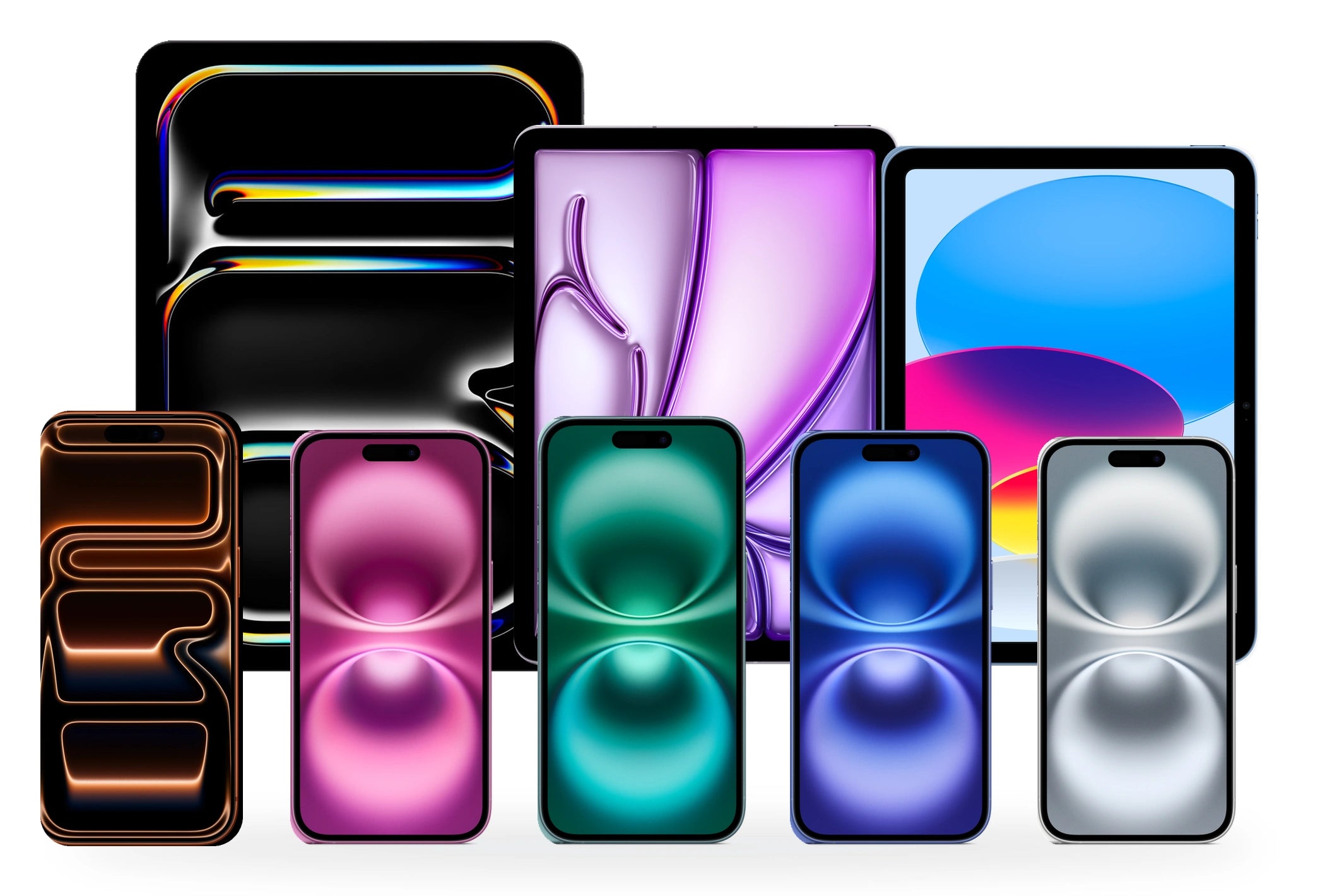
Made for your iPhone and iPad. Connect with the appropriate Lightning or USB-C cable.
iPhone
iOS 12.0 or later
- iPhone 17 / iPhone Air / 17 Pro / 17 Pro Max
- iPhone 16 / 16 Plus / 16 Pro / 16 Pro Max
- iPhone 15 / 15 Plus / 15 Pro / 15 Pro Max
- iPhone 14 / 14 Pro Max
- iPhone 13 / 13 mini / 13 Pro / 13 Pro Max
- iPhone 12 / 12 mini / 12 Pro / 12 Pro Max
- iPhone 11 / 11 Pro / 11 Pro Max
iPad
iOS 12.0 or later
- iPad
6th–10th generation; 11-inch iPad (A16, 2025)
- iPad Pro 9.7-inch / 10.5-inch
- iPad Pro 11-inch
1st–4th generation; M4 (2024)
- iPad Pro 12.9-inch / 13-inch
12.9-inch: 1st–6th generation; 13-inch: M4 (2024)
- iPad Air
3rd–5th generation; M2 (2024); M3 (2025)
- iPad mini
5th–6th generation; A17 Pro (2024)
Camera compatibility.
Compatible with most cameras that output supported HDMI® formats.
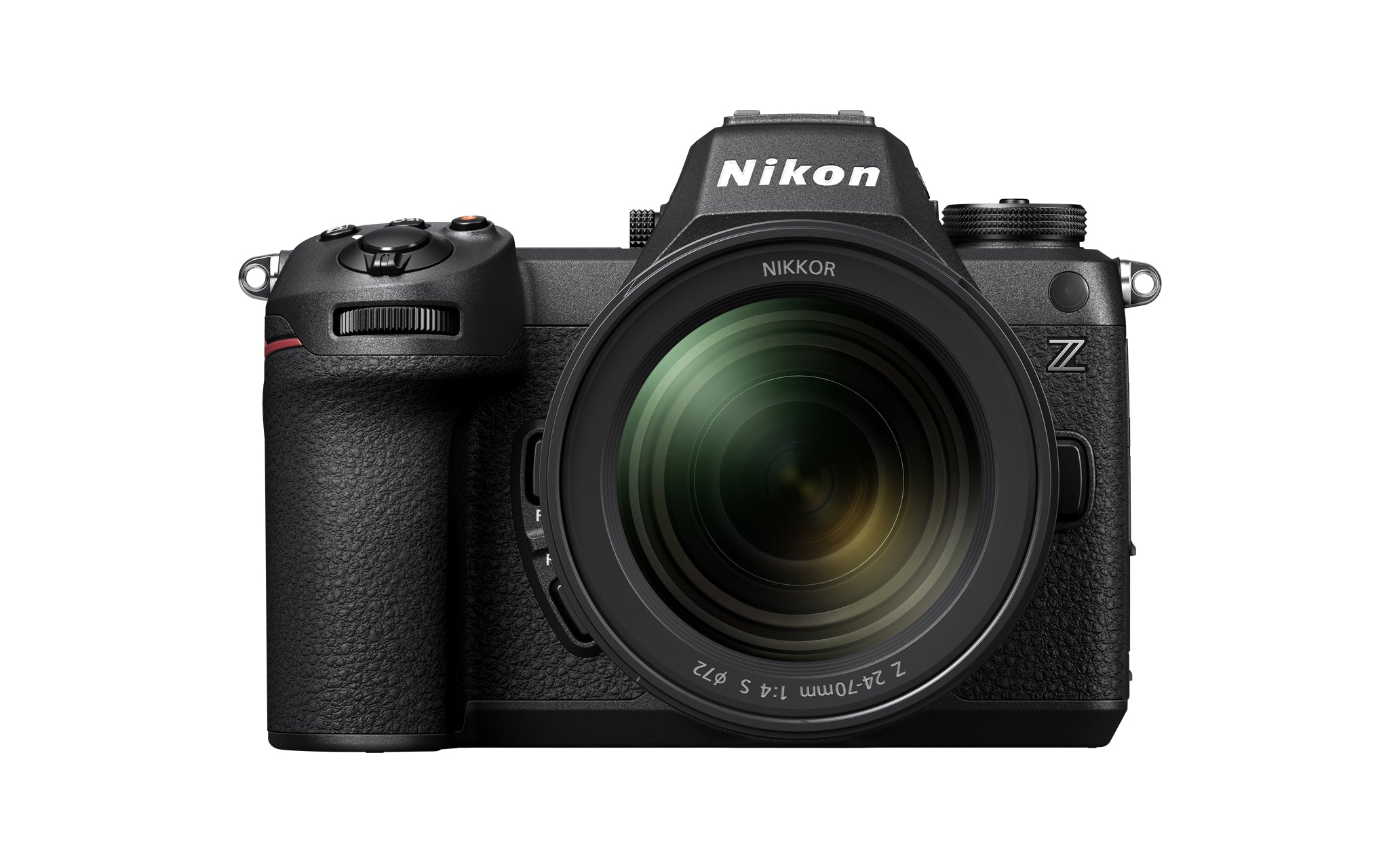
Using an older DSLR? Please confirm progressive 1080p HDMI® output.
Supported
- 2160p30
- 1080p60
- 720p60
Not supported
- 4K60
- 1080i
- HDCP
Unsupported camera models
- Canon
- T4i, T6s, 6D, 60D, T7, 5D2 / 5D Mark III, 700D
- Nikon
- D600, D610, D300, D700
Not sure? Send us your camera model before ordering.
Contact usFrom HDMI to your iPhone and iPad.
Connect your video source, capture with SeeMo 4K, and monitor on your iOS device.
HDMI IN
Camera, computer or video switcher.
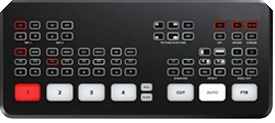
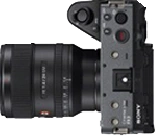
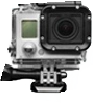
USB-C VIDEO OUT
Your iPhone or iPad. Your monitor.
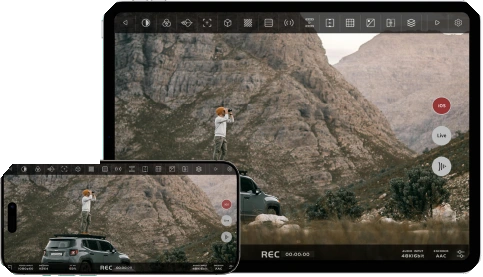
USB-C 5V OUT
Power compatible accessories.
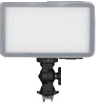
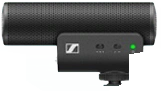
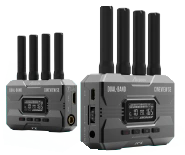
Lights, microphones & CineView
Integration Ecosystem
From interviews and on-location filming to live production, SeeMo 4K fits into the way you create.

Every connection. In place.
Get to know the ports, controls and mounting points on SeeMo 4K.
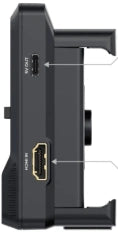
Input & power
- HDMI input
- Connect a compatible HDMI video source.
- USB-C power output
- 5V / 3A accessory power output.
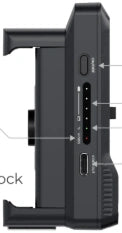
Controls & video
- Power button
- Power level indicator
- Power indicator
- Video input indicator
- USB-C video output
- Connect your iPhone or iPad. 5V / 2.4A.
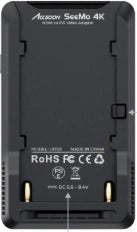
Battery mounting
- Battery holder
- Attach a compatible NP-F battery.
- Battery safety lock
- Keeps the battery secured in place.
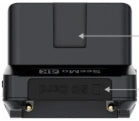
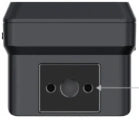
Mounting & storage
- Cold shoe mount
- SD card slot
- Read and transfer files from an SD card.
- 1/4″ mounting hole
- Integrate SeeMo 4K into your rig.
Specifications
| Video Input Format | 2160P 30/29.97/25/24/23.98 fps (UHD 4K30) 1080P 60/59.94/50/30/29.97/25/24/23.98 fps 720p 60/59.94/50 fps |
| Video Output Format | 2160P 30/25/24 fps (UHD 4K30) 1080P 60/50/30/25/24 fps 720p 60/50 fps |
| Power Output Port | USB-C 5V/3A Out |
| Battery Type | NP-F Battery |
| Power Consumption | 3W (without powering iOS devices) |
| Operating Temperature | -10~40°C |
| Dimensions | 92mm x 54mm x 46.3mm |
| Weight | 115.7g |
User Manual
Want more resources? Visit our Download Center.
Hear what our customers have to say.
SeeMo 4K FAQs
Need help with your setup?
What is Accsoon SeeMo 4K used for?
Accsoon SeeMo 4K is a wired HDMI adapter that turns a compatible iPhone or iPad into a camera monitor with the Accsoon SEE app. It combines live monitoring tools, H.264 recording to your iOS device and RTMP/SRT live streaming in a compact setup. It is not a wireless HDMI transmitter.
How do I use my iPhone as an HDMI camera monitor?
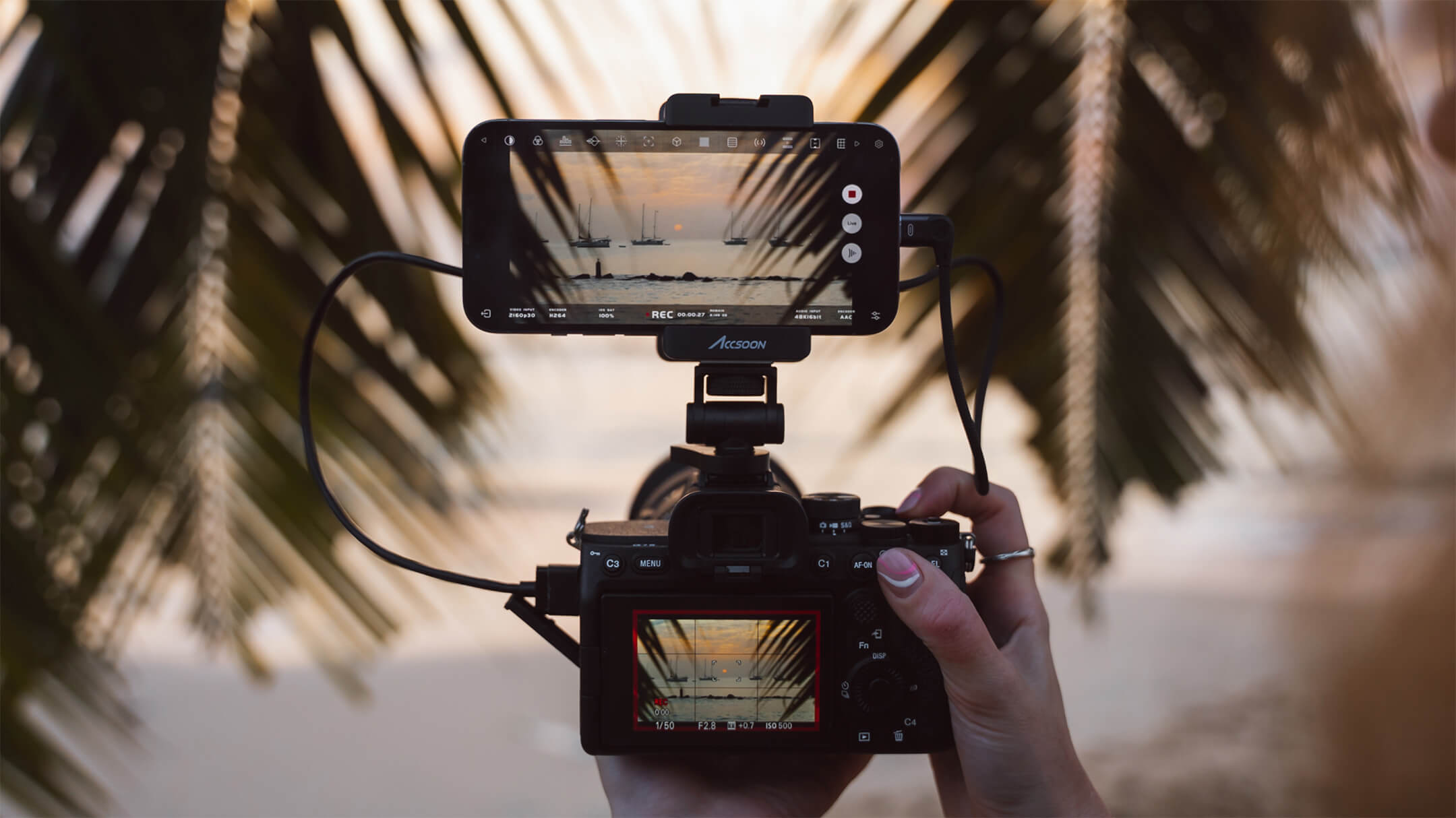
Connect your camera’s HDMI output to SeeMo 4K, connect your compatible iPhone with the appropriate video cable and attach a compatible NP-F battery to power SeeMo 4K. Open the Accsoon SEE app to view the camera feed and use its monitoring tools. Your camera must output one of the supported HDMI formats.
Can I use SeeMo 4K with an iPad and an iPad cage?
Yes. A compatible iPad can serve as a larger camera monitor through Accsoon SEE. You can build a mounted setup with a suitable Accsoon PowerCage or other iPad cage; choose the cage for your specific iPad model. The cage supports your rig, while SeeMo 4K provides the HDMI connection to the iPad.
Does SeeMo 4K support both USB-C and Lightning iPhones and iPads?
SeeMo 4K supports compatible iPhone and iPad models with USB-C or Lightning connections when used with the appropriate cable. The connection must support the required video/data transfer; a charging-only cable is not suitable. Check the device compatibility list and your selected package’s cable contents before ordering.
Does this SeeMo 4K work with Android phones?
This product is the SeeMo 4K version for compatible iPhones and iPads. SeeMo 4K for Android is a separate product. Choose the version that matches your mobile device rather than relying on the USB-C connector alone.
What HDMI resolutions does SeeMo 4K support? Does it accept 4K60?
SeeMo 4K accepts supported progressive HDMI signals up to UHD 2160p30, as well as 1080p60 and 720p60. It does not accept 4K60, interlaced 1080i or HDCP-protected signals. See the specifications for the full list of supported frame rates.
Will SeeMo 4K work with my DSLR or mirrorless camera?
Compatibility depends on the camera’s HDMI output format. Most cameras that output a supported progressive HDMI signal can be used, but an HDMI port alone does not guarantee compatibility. Check the camera compatibility section, especially for older DSLRs and the listed unsupported models. If your model is not clear, ask us before ordering.
Which monitoring tools are available in Accsoon SEE?
Accsoon SEE offers tools including waveform, histogram, zebra, false color, focus peaking, frame guides, anamorphic desqueeze and LUT preview. These tools help you assess exposure, focus, framing and your intended look on a compatible iPhone or iPad.
Can I record camera video directly to my iPhone or iPad?
Yes. With SeeMo 4K and Accsoon SEE, you can record the incoming camera feed as H.264 video on the connected iPhone or iPad for review, editing and sharing. This recording is separate from your camera’s internal recording. Available recording settings depend on the app and connected device; maximum HDMI input resolution is not a guarantee of every recording setting.
What does the SD card slot do? Can SeeMo 4K record directly to an SD card?
The built-in SD card slot is a card reader for accessing and transferring files with your connected iPhone or iPad. It supports file-transfer and backup workflows. It is not a standalone HDMI recorder that saves the incoming camera feed directly to an SD card; Accsoon SEE’s H.264 recording is saved on the connected iOS device.
Can I live stream to YouTube, Twitch or GameChanger with SeeMo 4K?
Yes, with a compatible streaming setup. Connect an HDMI source, such as a camera or computer, to SeeMo 4K and your compatible iPhone or iPad. In Accsoon SEE, configure the RTMP or SRT stream URL and key required by your destination. Confirmed platform workflows include YouTube, Twitch and GameChanger; protocol support and account requirements vary by platform. Your mobile device needs an internet connection, and stream resolution depends on the app settings, device, network and platform.
Can I stream in portrait or landscape and apply a LUT in real time?
Accsoon SEE supports horizontal and vertical streaming layouts and real-time LUT application in supported streaming workflows. Choose the orientation and look in the app, then configure your destination’s RTMP or SRT settings. Confirm that the selected layout, stream settings and LUT look are correct before going live.
How is SeeMo 4K powered, and can it power my iPhone or iPad?
SeeMo 4K uses a compatible NP-F battery and can supply power to a compatible connected iPhone or iPad through the appropriate cable. This helps support longer monitoring and streaming sessions. Runtime and the connected device’s battery level depend on the NP-F battery, device and workload. Check the selected package for included batteries and cables.